

Private and self-hosted messaging and calls for teams. End-to-end encrypted, on mobile, desktop and the web.


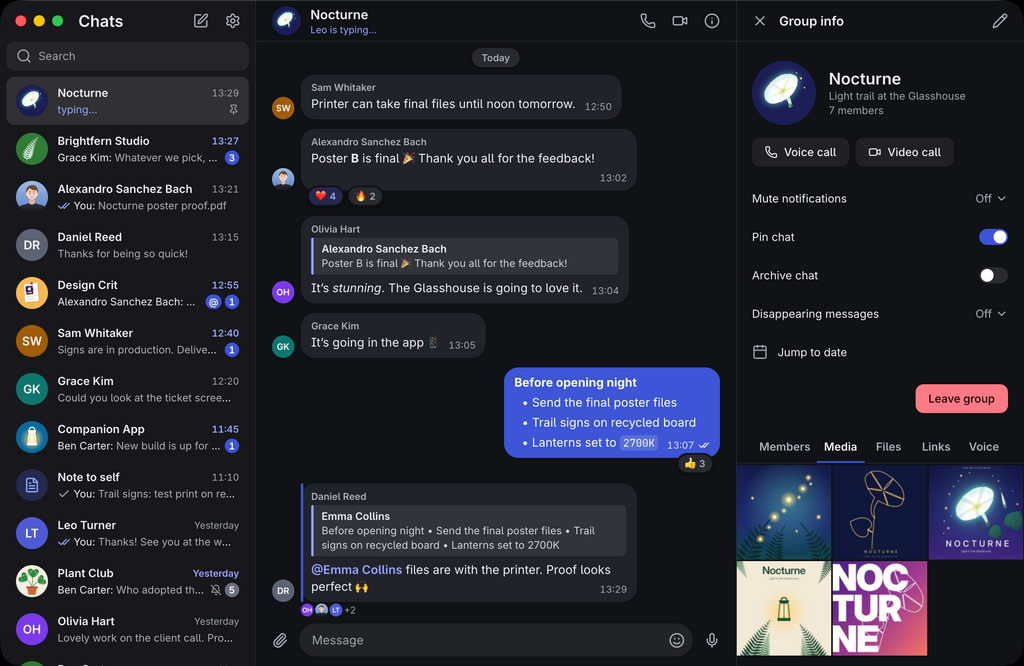
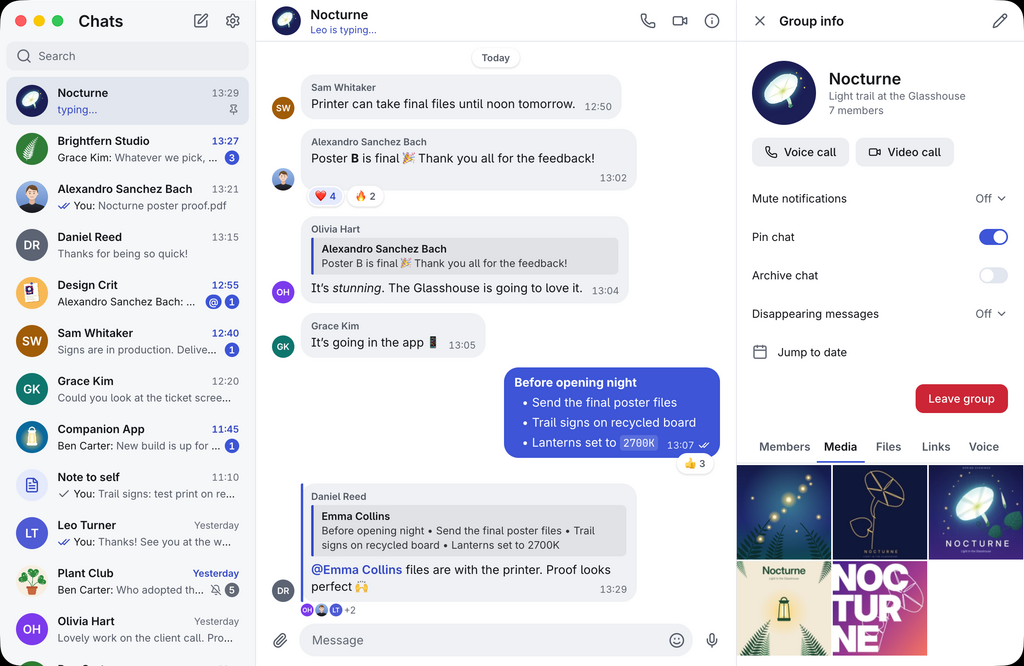
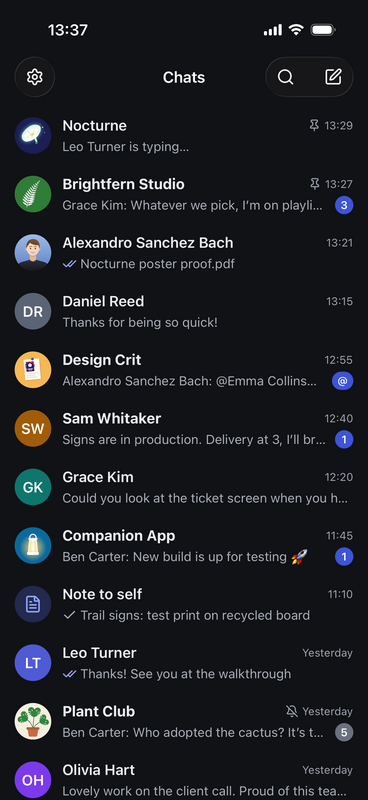
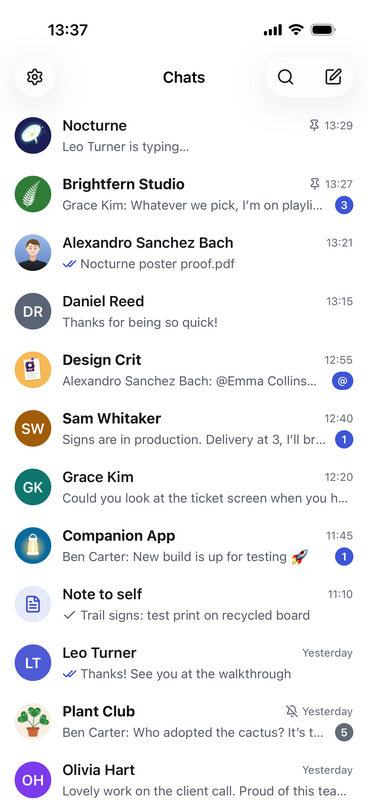
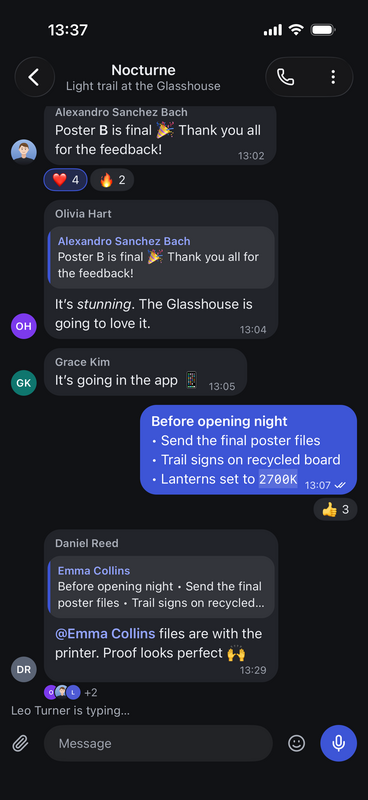
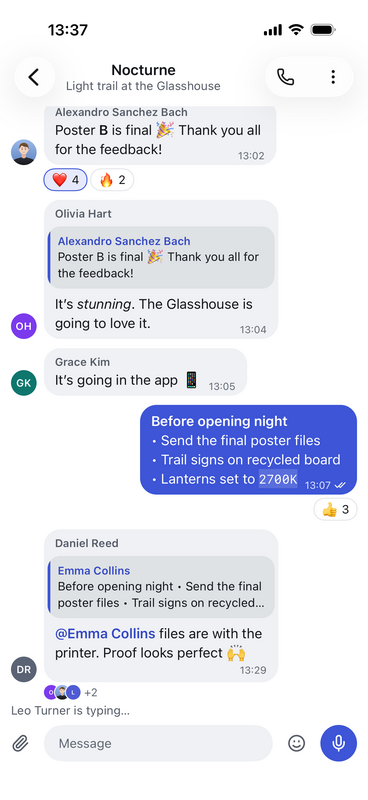
Direct chats, groups and notes to yourself, with replies, reactions, mentions and polls.
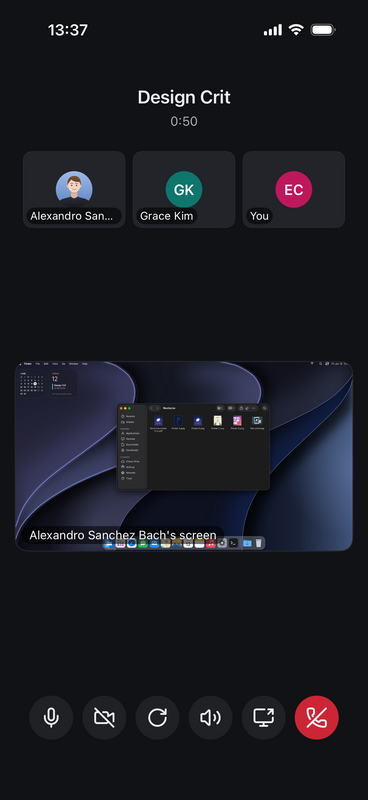
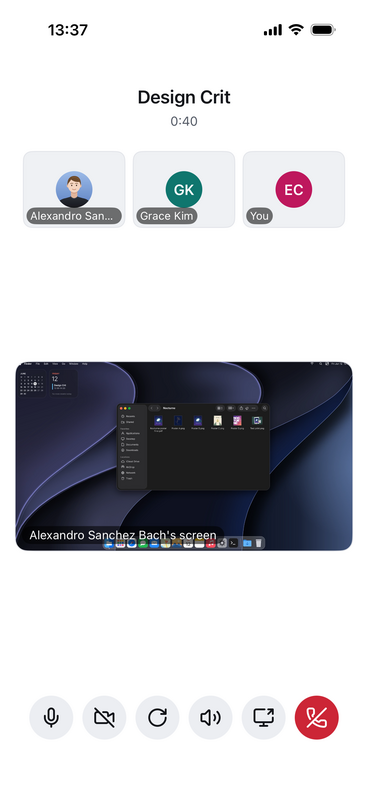
One to one or with the whole group, with screen sharing.
Photos, videos, documents and voice messages. Photos never carry their location.
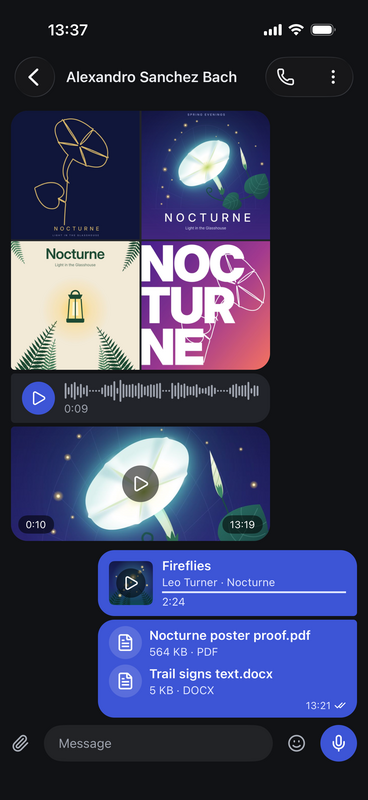
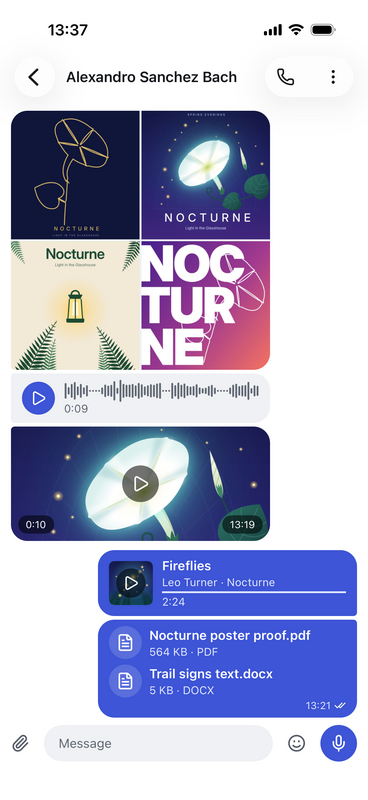
Everything is encrypted on your device. Safety numbers confirm who you're talking to.
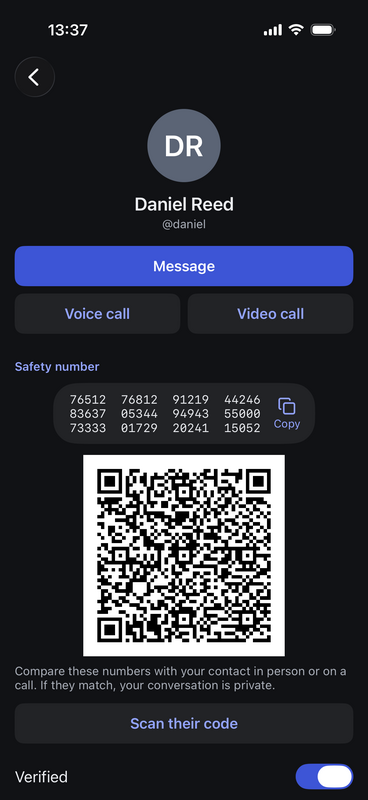
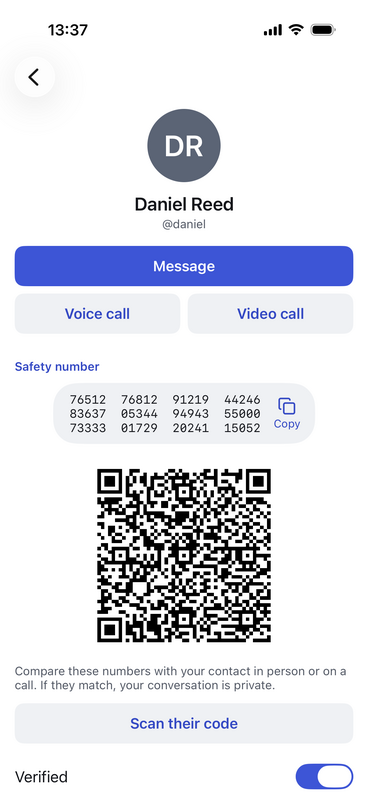
First, you must run your own Comms server, or be invited by an organization who runs one. Open the invite link on your phone or computer, choose a password and save your recovery key. You don't need a phone number or an email address.
Only the people in the conversation. Messages, files, voice messages, reactions, polls, locations and calls are encrypted on your devices, so neither the server, its operator nor we can read them. The server sees only what it needs to deliver them, such as who writes in which conversation and when. See the Privacy Policy.
It lets a new device read your whole message history, as does scanning a code on a device you already use. Keep it somewhere safe: nobody can recover it for you, not even your administrator or us. Without it you can still sign in, but your history stays unreadable and your contacts see that your safety number changed.
iPhone and iPad with iOS 16 or later, Android 8.0 or later, Windows 10, macOS 12.3 or later, Linux, and recent versions of Chrome, Edge, Firefox and Safari. One account works on up to five devices at once.
The server is a single program, also available as a container image, for a small Linux machine: 2 CPUs and 2 to 4 GB of memory are plenty. It gets its own TLS certificate, and serves the web app and the desktop downloads too. Contact us if you'd like help setting one up.